These past few weeks we dove head on into more complicated concepts, which had me scratching my head more than a few times but as we power on ahead I continue to feel more confident as a web designer.
Continue reading “Weeks 5 – 6: Experimenting with Flexbox and Grids”Tag: coding
Weeks 3 – 4: Diving Deeper into HTML & CSS
The past two weeks have been incredibly informative. There was so much that I learned and I’m hoping it all the information absorbs into me.
Continue reading “Weeks 3 – 4: Diving Deeper into HTML & CSS”Trusting the process with HTML
I’ve always been the type to want to know the ending before anything else; I’ve been that way for books, movies, shows—anything, really. It wasn’t until this last week that I realized I do the same thing with HTML.
Continue reading “Trusting the process with HTML”A dash of SASS
Learning the pros and cons of SASS made me want to find out if CSS had similar functions that I could use instead. I did some research on MDN and W3Schools and discovered it did for variables and nesting!
Continue reading “A dash of SASS”Week 12: Parallax, Sass, and the Final Project
The last two weeks we learned new skills such as Sass, animations, and Parallax, which I can see myself using in the future. I also had some time to think about my final project. I spent a lot of time reflecting on my own web design skills, what I have learned, and what I want to make to conclude the semester.
Continue reading “Week 12: Parallax, Sass, and the Final Project”Revamping My Portal Page: Parallax, Big Kitties, and New CSS Tricks
“Meow”

This semester, I gave my portal page a much-needed upgrade. I have to say, it is been one of my favorite projects so far! I wanted the page to feel a little more alive and personal, so I brought in parallax scrolling effects, animated floating cats, and some playful, colorful backgrounds.
One of the biggest changes was adding a parallax background featuring a giant cat image that starts below the header and stretches down below my bio section. This added a really cool , making the page feel more dynamic without being overwhelming. I also used CSS animations to create floating kitties that drift across the screen, adding even more movement and personality.
Along with parallax, I used some modern CSS techniques like flexible layouts, colorful background shifts with keyframe animations, and subtle box shadows to give different sections some extra pop. Overall, this revamp made my portal page feel way more “me.” It’s fun, creative, and just the right amount of chaos thanks to all those giant kitties.
For centering, which works when?
Trying to center stuff horizontally shouldn’t be so confusing! I find myself cycling through all the possible CSS rules until I find one that works.
Continue reading “For centering, which works when?”Web design for all screen sizes

Just when you think you are finished with a website design….
No expert here, but I have learned a few tricks.
Designing for the web can be …
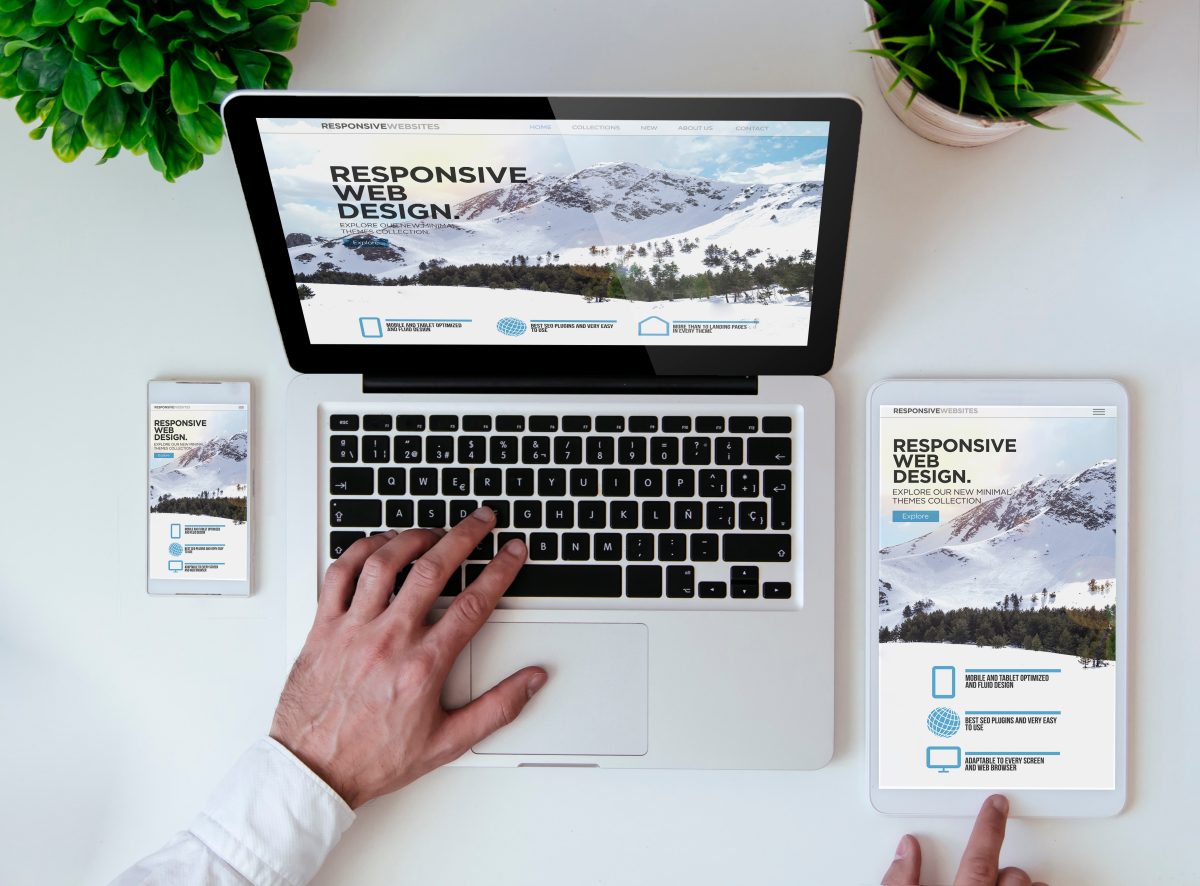
From CR to CSS
Yesterday my flight from Costa Rica landed in Sacramento. Today, I’m back at the desk writing CSS with my brand new keyboard.
Continue reading “From CR to CSS”Typography This Week
Who knew there was so much to
Continue reading “Typography This Week”First Two Weeks In Web Design
The first two weeks have been a breeze, with plenty of fun and enjoyment in new material. The HTML discoveries made in our resumes and the deep dives into the world of elements have been valuable learning experiences.
Continue reading “First Two Weeks In Web Design”HTML, errors, and and lessons…
The first two weeks of the semester have been a whirlwind of learning. From mastering HTML validation to understanding the importance of clean code, I’ve gained valuable insights into the world of web design. Here’s a look at what I’ve discovered so far.

In the first two weeks of the semester, I’ve already picked up a lot of valuable lessons. One of the most important things I’ve realized is how essential it is to pay attention to the smallest details in web design. Learning about HTML validation was a key takeaway for me. I discovered how important it is to ensure that your code is error-free. The HTML validator website has been a game-changer. It allows me to check my code for mistakes and make sure everything is structured properly before going live. This tool has helped me understand that even small coding errors can affect how a website functions, and using a validator ensures that my work meets the highest standards.
Another significant lesson has been understanding the different aspects of web design, from layout to content placement, and how each decision impacts the user experience. I’ve also started to see how critical it is to plan and organize everything from the start, as it makes the process much smoother in the long run. These first two weeks have been a great introduction, and I’m eager to continue learning and applying what I’ve learned as the semester goes on.
Woman meditating about HTML dies and no one notices for twenty years.
Yes, a mummified woman was found in the lotus position and believed to have died while in deep meditation about HTML. She did however leave a
Continue reading “Woman meditating about HTML dies and no one notices for twenty years.”Beginning to Wrap Things Up
I am now in the homestretch of my associates’ degree, and it feels nice to finally be done with my general ed requirements. Coming back from winter break to write html from scratch was indeed humbling, but I feel like I’ve gotten back into the swing of things quickly.
Continue reading “Beginning to Wrap Things Up”Back at it
These first two weeks have been what I would call a shock. Winter break did not feel like very long, but I still find myself with brain fog on week 2.
Continue reading “Back at it”How Do I Code Again?
Jumping back into HTML after a month of not using it has been humbling to say the least. While I remember most of the tags that I used in my Introduction to Web Design class, I’m realizing how much I’ve already forgotten in such a short amount of time. On top of that, I’m also starting to realize how much I don’t know about coding in general.
Continue reading “How Do I Code Again?”A Quick Tour of Week 2
Week 2 of my AAD0086 class has been a nice warm-up of what’s to come. I appreciate the reintroduction to HTML through our future resume project, which was harder than I thought it would be given I’d just finished 0085 last semester. My first post is a reflection of what I’ve learned so far and what I’m looking forward to in this class.
Continue reading “A Quick Tour of Week 2”Week 10=22 Weeks Until Degree Completion

Ok, sometimes I need to focus on the longterm goal to get the short term items done.
Continue reading “Week 10=22 Weeks Until Degree Completion”From Learning to Experimentation
I can best describe coding as a love/hate relationship for me. I love the details. I hate the details. I resist it because I become laser focused and I can’t step away. But I get to say that it’s such a great feeling to be in this class this semester.
Continue reading “From Learning to Experimentation”