These last two weeks have been fun as we’ve started out re-introduction to CSS, which is what allows us to style and design our HTML pages.
Continue reading “Web Design AAD86 – Weeks 3 & 4”Tag: css
From Learning to Experimentation

I can best describe coding as a love/hate relationship for me. I love the details. I hate the details. I resist it because I become laser focused and I can’t step away. But I get to say that it’s such a great feeling to be in this class this semester.
Continue reading “From Learning to Experimentation”Lisa’s Learning Journal: Week 2
How does HTML work again??
It’s been a while since I last worked with HTML, so I feel a little rusty. I took AAD85 with Natalie Rishe, and I’m so thankful she made us document everything we did in her class. I am able to refer back to a simpler time when I remember what the heck is going on.
Continue reading “Lisa’s Learning Journal: Week 2”Deeper Understanding of HTML
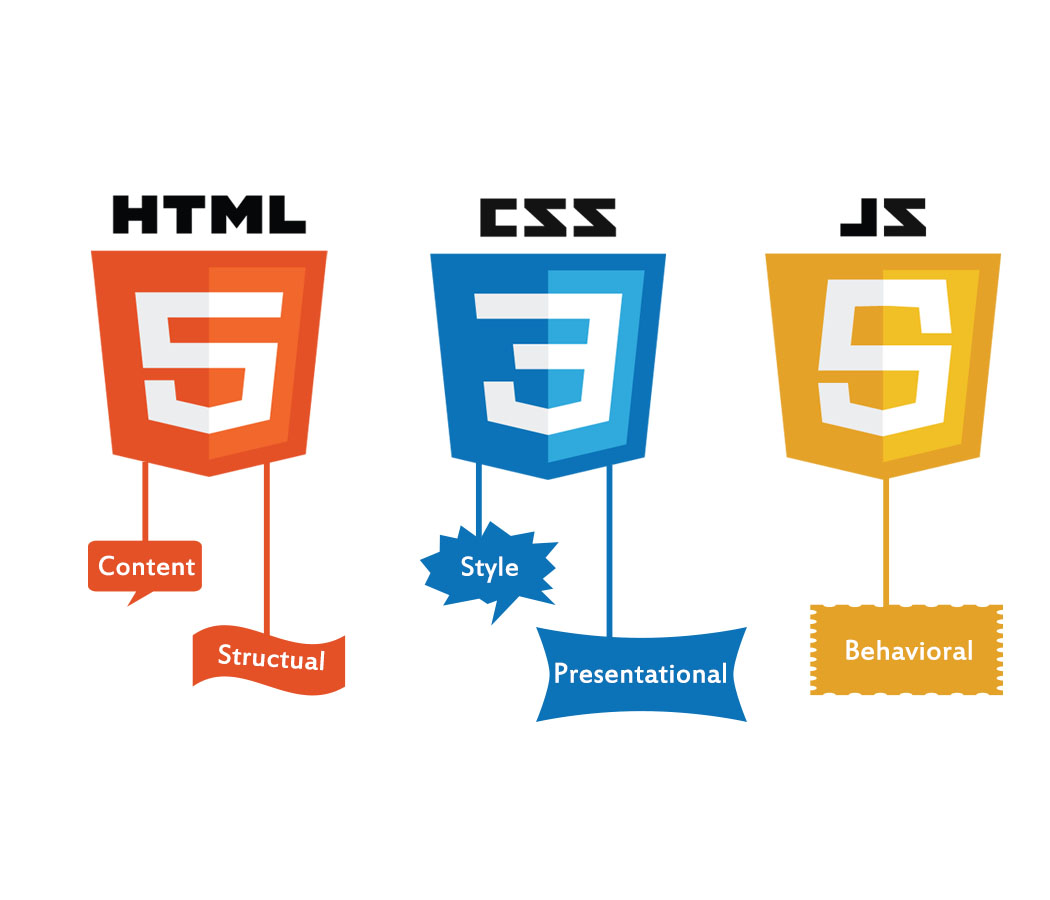
The HyperText Markup Language or HTML is the standard markup language for documents designed to be displayed in a web browser. It defines the meaning and structure of web content. It is often assisted by technologies such as Cascading Style Sheets (CSS) and scripting languages such as JavaScript.
Continue reading “Deeper Understanding of HTML”My HTML has cobwebs
I took AAD 85 in the Spring of 2023. I also was working at a company where I had to use HTML/CSS on the daily. After the Spring, and after getting laid off, I haven’t looked at a line of code since. And it shows.
Continue reading “My HTML has cobwebs”What I learned about in Week 10
Week 10 was really good , It felt like a review week and helped me get more confident with styling in general. I was able to be more specific with the styles I applied to my sites and portal page. Also helped understand code higher arks.
Continue reading “What I learned about in Week 10”An Intro to Sass
Growing up I was always told I had sass, but that’s not what we’re talking about here! Sass in relation to coding has nothing to do with attitude, but everything to do with looks (of your website).
Continue reading “An Intro to Sass”Final proposal
As the class is coming to an end the final project for the class, I’m working on right now were going to be developing our own website to a target audience and my audience will be anyone who is interest in the fantasy of the comic book world to see and understand some interesting and some non-interesting characters from the Marvel and DC universe’s. I’m excited to find and create the research for this project it’s something I’m interested in and also watched and read all the movies and comic books.
Parallax: What is it?
Parallax- an interesting name for an interesting design tool! Using parallax in your designs allow for an engaging and interactive experience for users, causing an illusion and offering some great creative design opportunities. Here’s a fun guide of resources to help you explore this world!
Continue reading “Parallax: What is it?”Parallax
When 2 or more layers are moving at different speeds in the same or opposite direction it creates a sort of gliding effect. This effect is known as parallax. There are many ways we can achieve the parallax effect using CSS.
BootStrap
This week we studied Bootstrap one of my favorite ways of coding, if you never tried coding with bootstrap, you should. I will provide you with multiple reasons for the good and bad sides of bootstrap.
Continue reading “BootStrap”Creating Decorative Shapes with CSS
There are many ways to utilize CSS in your designs. From text treatments to colors and images, the possibilities are endless! However, you can also create simple graphics in your design with just CSS. Let’s take a look at how it’s done!
Continue reading “Creating Decorative Shapes with CSS”ADDING MEDIA QUERIES
This week were learning how to put our websites to fit into mobile devices, tablet, desktop, anything to show to it will look on the screen whether its straight, vertical, and horizontal.
This is the code in adding media queries for websites @media only screen and (min-width:700px){ } then input where it says “700px” and put the size of the website you want people to be viewing and add different styles for each viewing for if its a mobile devices, tablet, or a desktop.
CSS Media Queries for Beginners: Breakpoints, Max-Width, Min-Width, and More – YouTube I was referred to watch this video to get use to media queries and how to properly use them.
Responsive Design
Responsive design felt like a scary thing when I first thought about how you would code it, but it turns out to be much simpler than I thought.
Continue reading “Responsive Design”Templates for beginners
while in class were doing our final rough drafts of the website of our choosing to create about a certain topic, mine is a lawyer website and a tool that helped me use HTML and CSS to create my page and now a helpful tool for me to reference new code or refresh on the basics.
CSS Navigation Bar (w3schools.com)
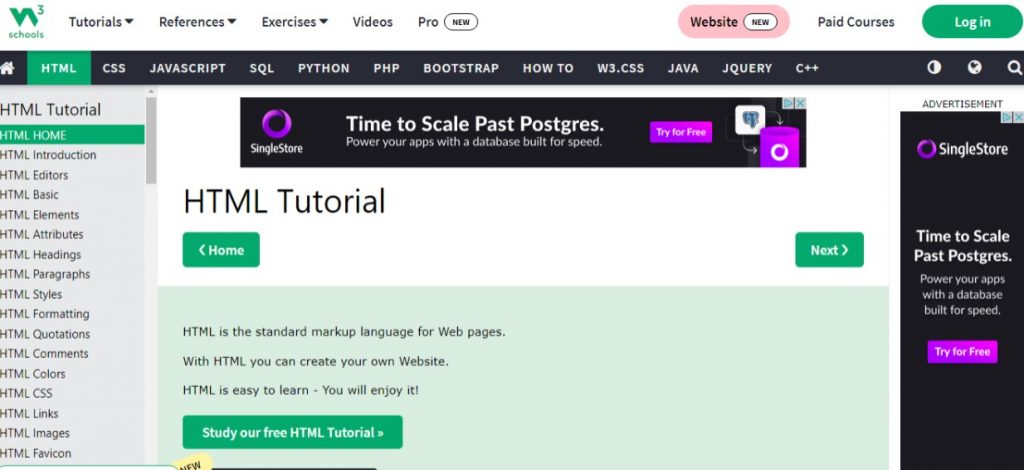
Here you can look up what you’re trying to create, and it will show you how it should look like in code and in another browser window to show a live code view of how it can look on a website screen.
What I learned Week 6 AAD86
This Week was crazy and a bit new for I figured how to use figma to create site skeletons for the midterm I can tell theirs still more I have to practice when it comes to using the program. I also learned more about implementing grid to CSS to my web pages through the example projects. I hope to try some of these ideas out in my own projects. Back in my Intro class their have good float and grid layouts experience would have helped me with a lot of assignments when I got stuck.
Continue reading “What I learned Week 6 AAD86”What I Learned In Week Four

Hello Everyone I know its been a while since you have seen my last post I was having trouble with my log in for word press. For week four it was a lot of review for me, refreshing my memory on code styling. For instance I feel the week made me realizes how I can utilize styling directly on the html page rather then always separating. It’s also the week that showed me other apps to use besides File Zilla when it comes to putting my sites up live for the class.
This week also made realize how much I still have to learn in some area with making sure my links to sites work properly with the my main
Continue reading “What I Learned In Week Four”New To Grid!
For this week’s reflecting on what we have been learning in class in HTML/ CSS Dreamweaver is how to make Grid’s in Dreamweaver. In doing that Grid is for two-dimensional layouts, meant to work with flex box, and when using flex box it uses heavily on “flex-wrap:wrap;” code onto Dreamweaver consider using grid instead wrap. Grid-gap helps you keep space between grid items. Grid-template-columns can take different units of measure.
Here is a video I found that’s been a reference now on understanding CSS grid and flex box in which I have been having trouble understanding.
So You Think You Can Layout?
The Big Four of CSS Positioning: Flexbox, Grid, Float, and Positioning. What is the difference and which should I be using?
Continue reading “So You Think You Can Layout?”CSS: All About Layout
There’s a lot of options when it comes to designing your layout in CSS. From flexbox properties to positioning, here’s all you need to know about CSS layout to get your designs to look awesome.
Continue reading “CSS: All About Layout”