Templates for beginners

while in class were doing our final rough drafts of the website of our choosing to create about a certain topic, mine is a lawyer website and a tool that helped me use HTML and CSS to create my page and now a helpful tool for me to reference new code or refresh on the basics.

CSS Navigation Bar (w3schools.com)
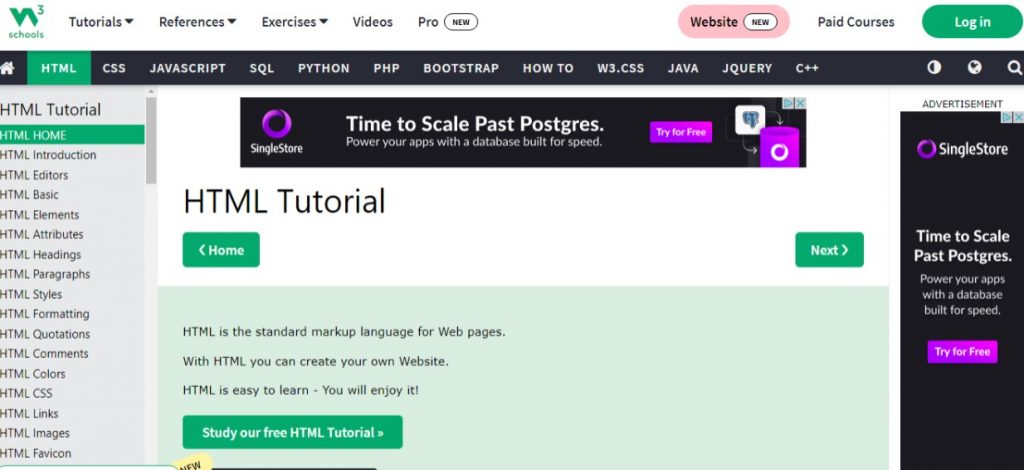
Here you can look up what you’re trying to create, and it will show you how it should look like in code and in another browser window to show a live code view of how it can look on a website screen.
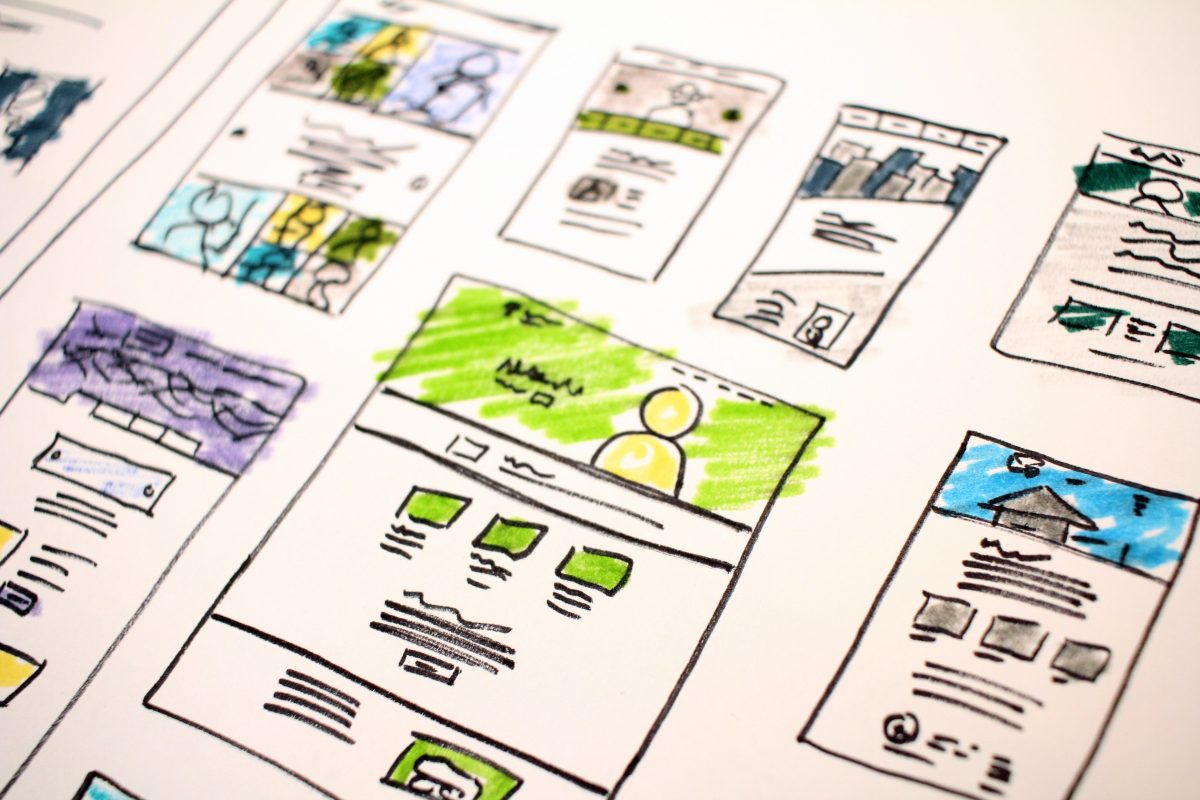

Responsa What? Understanding Responsive Design

Layouts can be tricky. It feels so nice to finally have a design that looks good and works well… until you take a look at it on a different device. What happened to your design?! How can you fix that? The answer…. Responsive Design! Let’s take a look at what it is and some of the basic things to know surrounding responsive design. Let’s go!

Continue reading “Responsa What? Understanding Responsive Design”

update on HTML

In class we have been learning the basics of HTML and CSS of assembling it on Dreamweaver. The basic elements of creating the specific code we want as in <header> <p> <a href> <h1> <body> , etc to create and become familiar in the basics of setting up the code for a website. Also learning how to transfer files on an FTP I use FileZilla, to make our sites live has really been exciting. We are also setting up a portal page to link our projects for this semester.

here’s a little video I found that was interesting for typography

Week 5 – Positioning and Creative Critical Thinking

Well, this week was unusual for me since I attended a Creative wood event instead of being in class on Thursday. It was fun to learn how it is even possible to come up with a great idea for an advertising in just about 20 minutes.

Continue reading “Week 5 – Positioning and Creative Critical Thinking”