I tried learning Figma in a couple hours I thought I was doing well until I needed to add another section. Most of the tutorials I found were based on a multiple page website or just one page with one section so after a few hours I figured out how to design the website in figma file. So here is some absolute basic starting things to know:
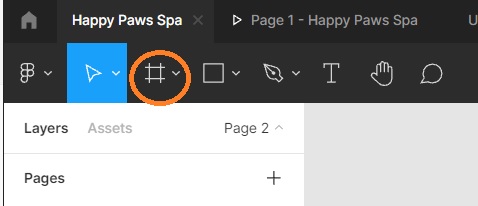
- Make a frame, select the hashtag looking icon and make it as tall and as wide as you need it to be.
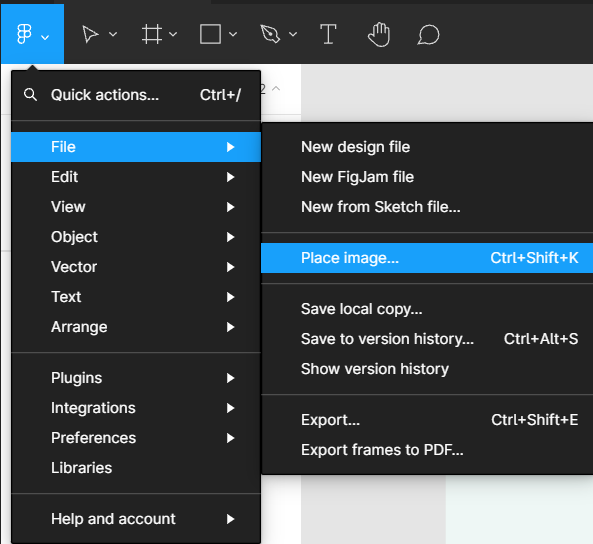
2. Adding content is as simple as adding it to a photoshop file by dragging and dropping or my placing an image.
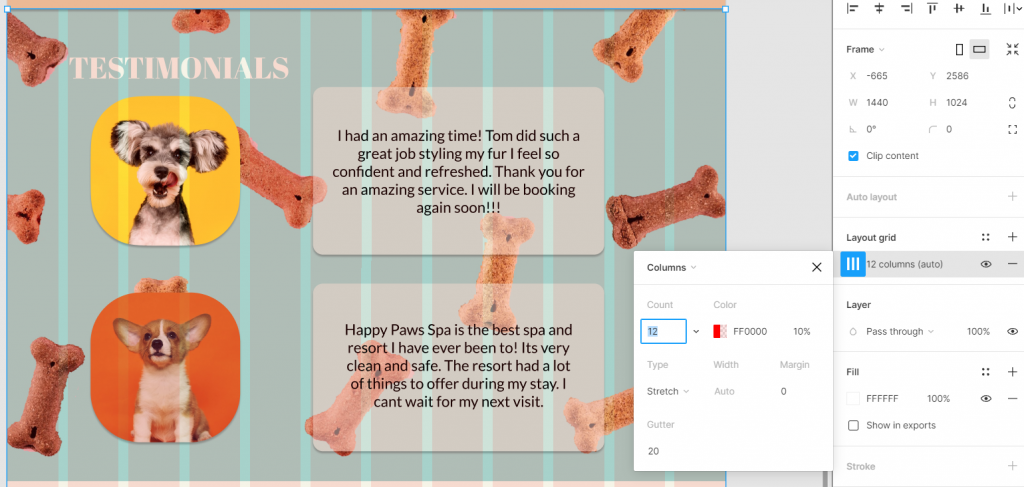
3.To organize your layout select the frame and use layout grid you can select grid, rows or columns.
4.Add another section, use the frame tool and place the frame underneath the previous frame.
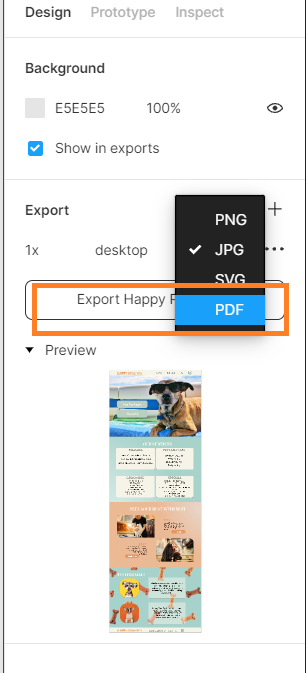
5.EXPORTING. If you want to export the whole site make sure nothing is selected OR if you only want to export a certain one make sure the frame is selected. On the right side there is a panel if nothing is selected it will assume you want to export the whole page it shows a preview of what’s being exported. You can edit the file name and select what kind of file you want it saved as.