Canna Inventory

Alysa Richer

Richer_alysa@yahoo.com

Project Overview

Logo

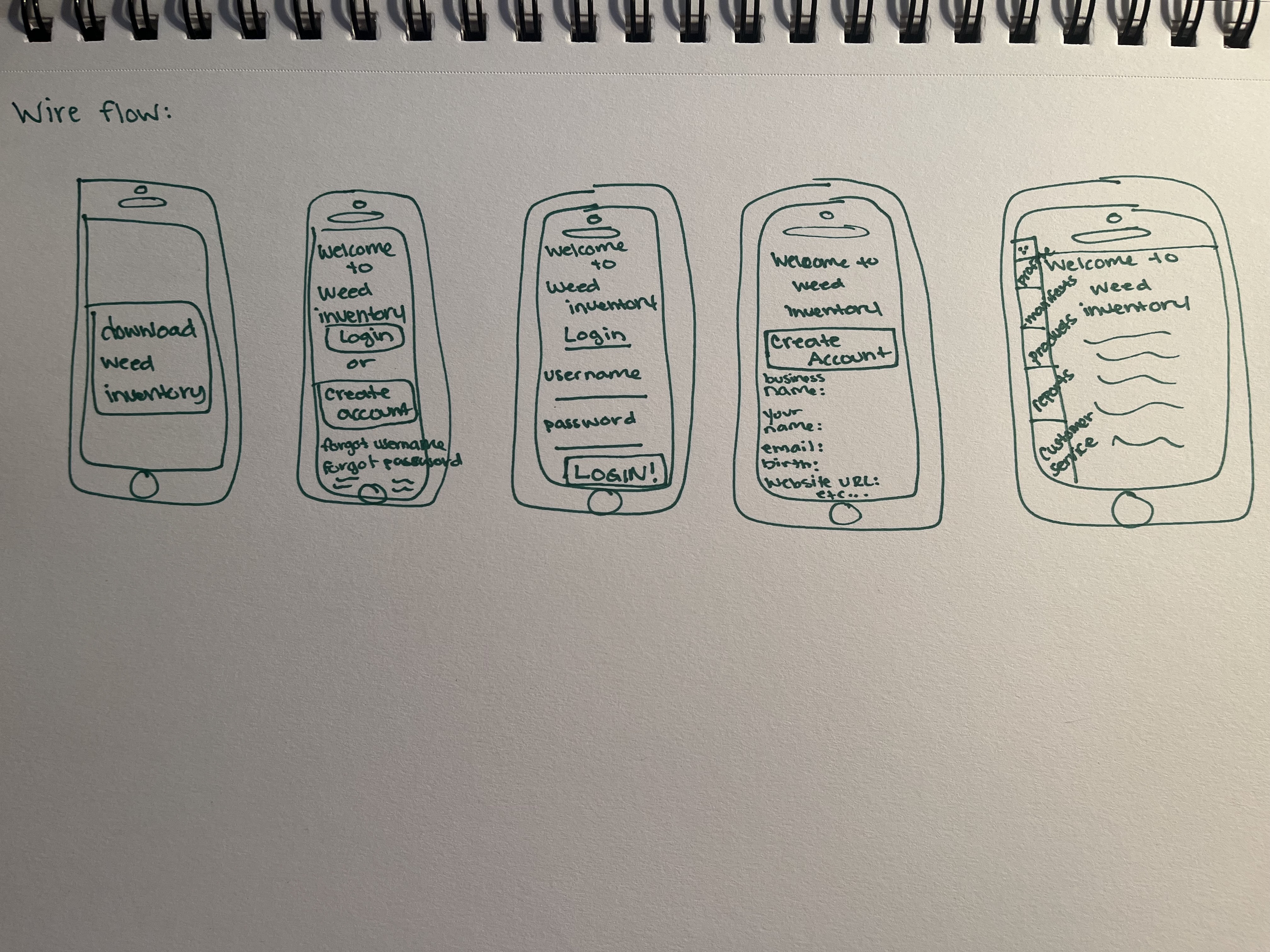
My Mobile App i decided to create is called CannaInventory and it's for processing and mamnagement for securing Cannabis Inventory faster and more efficent way to upload and faster availability to your customers. What this app is different from others is that it connects directly from the device to your website from just the scan on the manifest without having to type in each one piece by piece to your account.

The target audience for this application would be people in the legal cannabis field in dispensaries and deliverey services.

This app can help time management in accepting deliveries faster and more efficent way from track and trace system coming directly from the manifest to your device ready to upload to your business website.

Project Research

From the research ive read from other websites and devices like these is that there barely updated with current system updates, so i want my app to always be finding ways to become for efficent from feedback from customers. I want mostly for this app to be rememebred as easy and flow efficent ive noticed with others have such hard time staying efficent without always messing up or not even working at all.

From having devices like these to be more benefical for inventory access is that having less steps and flow efficent processing into accepting and creating product names and information faster for customers to create and access for their customers.

Logo

App Design

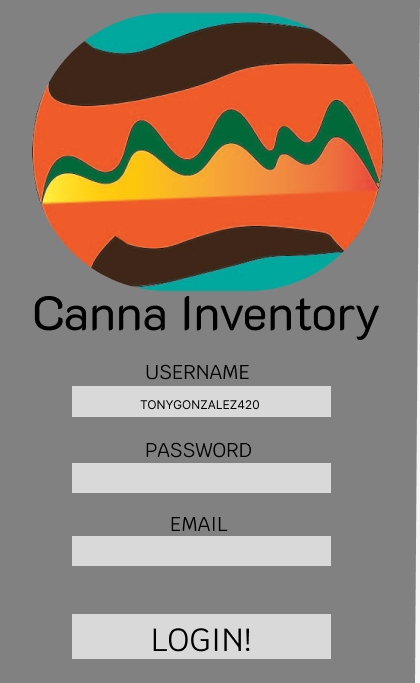
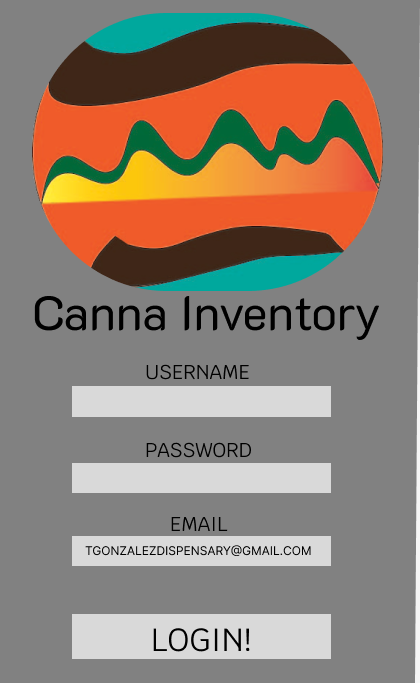
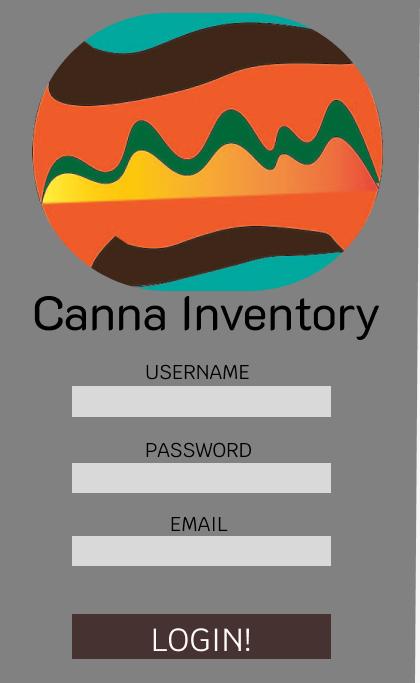
Logo Logo2 Logo3 logo4 Logo5

Tasks For Users

notes notes2
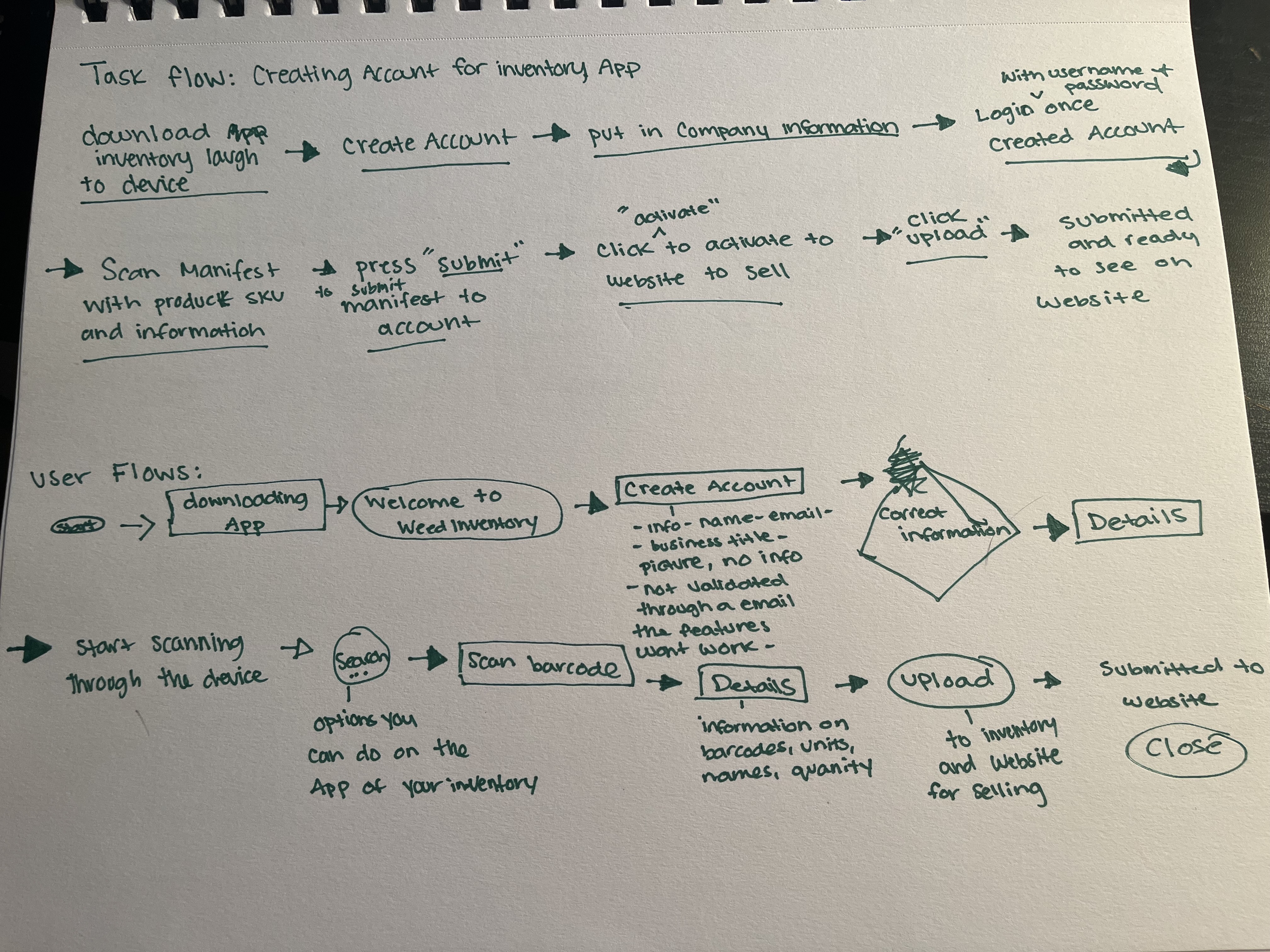
outline
  1. First you can access your profile to update information relating to your business and account services
  2. The second button you can see reports relating to the inventory in your website and how your business is doing for the day, week, month, and year.
  3. The third button is where you can link different application to your business.
  4. The fourth button is the camera to access to scan and upload your inventory when needed.
  5. The fifth button is the home button to send you back to the home screen.
  6. The sixth button is the button after you can your manifests to upload into your business inventory for your customers to access what you are selling.
  7. The seventh buttom is your store sccess button to see what is being submitted and if there any erros with your manefests and how to fix them.

Usability Testing & Further Development

outline2

The usability of this app once you login into your account and able to scan the manefest you get which is a piece of paper with all information in a track and trace system cannabis businesses use to trace how much and which products are moving from facility to dispensaries or delivery services. This app will be better for quicker intake with less time consuming of doing each product by strain and units, With this app it will be all in one upload. What i would do differently with this app is actually trying to use it with an actual company to see if its actually useable in the real cannabis world and if it can be done while being up to code with regualtions.

Summary

From what i learned most from this project is to start doing prototypes for things im inspired about to start puttiong together different styles of profolio's. What im most proud of is making the logo for my proptype i had fun designing and picking the colors that inspired me for this project. What i found most challenging was putting together the prototype, there was so many times i had to start over and regroup from my idead because they were all over the place at first. What i did learn mostly is to take my time with my design and the different programs for prototyping is quiet alot and fun to play around with.